
The first 10 minutes: why the morning phone grab decides your day
Checking your phone first thing hands your morning to the algorithm. Here's how a few seconds of friction turns the automatic morning grab into a choice.
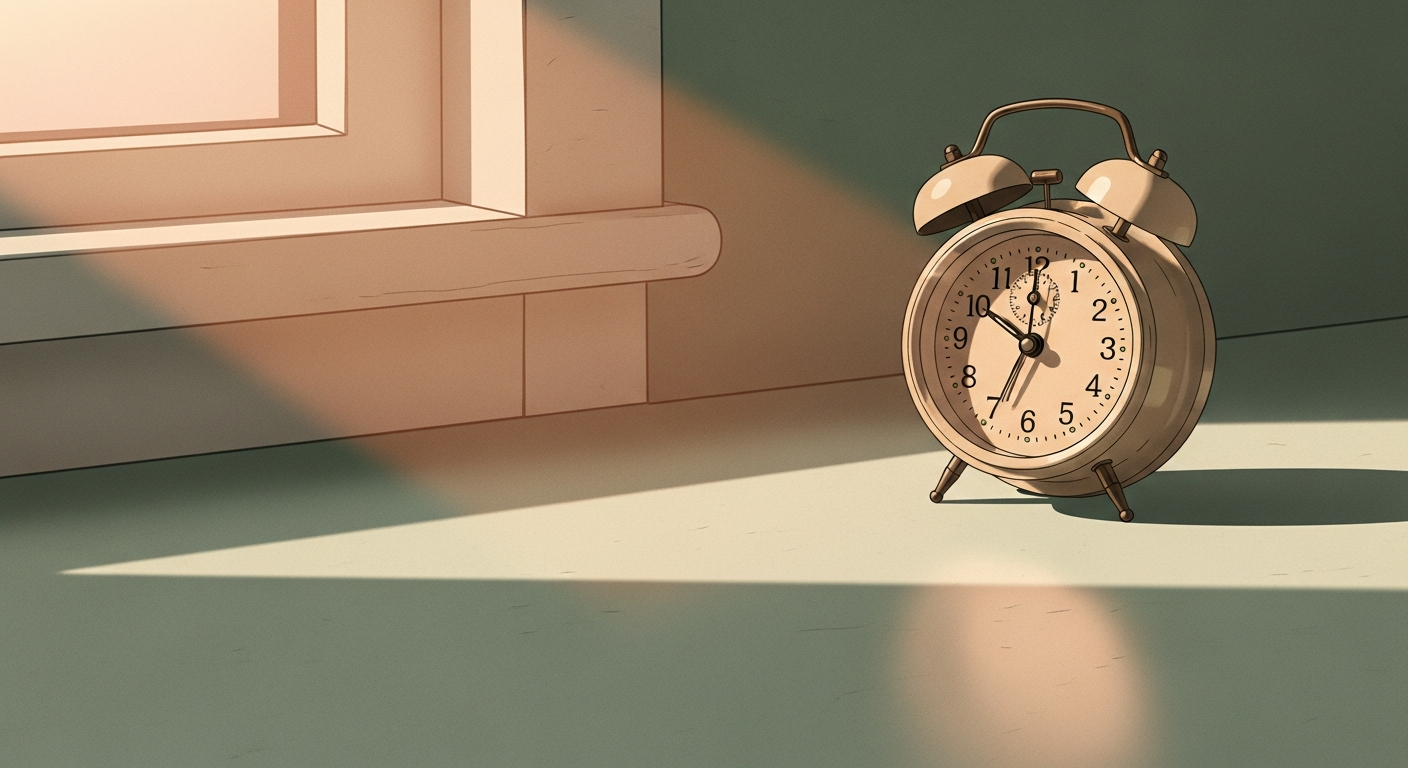
You're not awake yet. Your eyes are barely open, your arm already knows the way to the nightstand, and before you've decided anything you're 30 seconds into a feed. That reach happens for a lot of people before their feet hit the floor.
Nobody plans the morning grab. It's the most automatic tap of the day, which is exactly why it matters.
What the morning grab actually does
The first input of the day is loud. Whatever you look at in those first few minutes becomes the lens for everything after it. Open a feed and you've outsourced that lens to an algorithm that front-loads other people's drama, other people's wins, and a dozen things you now feel vaguely behind on. None of it was your idea. You just reached.
There's a cost to context-switching that doesn't disappear when you lock the screen. By Zenvi's own framing it takes roughly 23 seconds to refocus after a quick check — and the morning check isn't quick. It's the one that decides whether you start the day on your terms or already reacting to a hundred other people's.
Willpower at 7am is a terrible bet
The usual advice is "just don't check your phone in the morning." That assumes you're making a decision. You're not. At 7am your prefrontal cortex is still booting and the reach is pure habit loop: cue (alarm goes off), routine (grab phone), reward (a hit of novelty). Telling a half-awake person to use self-control is like asking them to do math before the kettle boils.
So don't fight the reach. Reroute it. The point isn't to never touch your phone — it's to make sure the feed isn't the first thing it lands on.
Put friction on the first reach
Zenvi blocks your chosen apps at the system level using Apple's Screen Time API, then puts a small challenge in front of each one. In the morning that's the whole game.
Set a wind-up window for your wake time and load your kill-list into it — Instagram, TikTok, X, Reddit, YouTube, whatever pulls you. When your thumb finds the icon, you get a challenge instead of the feed: a quick math sprint, a memory pattern, four guided breaths, a few reps counted by the camera, or a QR code you stuck on the kitchen wall so you have to physically get up.
Two things happen. Sometimes you finish the challenge and open the app on purpose, fully awake, because you actually needed it. More often the five seconds of friction is enough to break the loop and you put the phone down. Either way you made a real choice in the first ten minutes instead of getting dragged into one. You can earn that screen time by clearing harder challenges and stacking streaks, which means the morning feed stops being free.
A morning setup that holds
You set this up once:
- Pick the two apps you reach for first. Open Settings → Screen Time and look at what you actually open before 9am. It's usually two apps. Those are your targets.
- Schedule a morning window. Roughly your wake time through the first work block — say 6am to 9am. Put your two apps in a Zenvi rule for that window.
- Choose a challenge that fits a sleepy brain. Breathing is gentle and doubles as a wake-up. A QR code on the bathroom mirror forces you out of bed first. Save the math sprints for when you're sharper.
- Turn on Strict Mode (Pro) if you bargain with yourself. It locks the rule so half-awake-you can't talk past it at 6:30am.
That's it. Most of the benefit comes from steps one and two — naming the apps and walling off the window.
Honest caveat
A challenge won't make you a sunrise-yoga person, and it isn't trying to. Some mornings you'll clear it in four seconds and scroll anyway. That's fine — the goal is to delete the automatic part, not police every minute. The win is small and repeatable: the first thing you see most mornings is something you chose, not something served to you while you were still rubbing your eyes.
Give it a couple of weeks. The reach doesn't vanish, but it stops being invisible. You'll catch your own hand halfway to the nightstand, clear the breathing challenge, and realize you'd rather make coffee. Reaching stops being free. The day starts as yours.
FAQ
Why is checking your phone first thing in the morning bad?
The first thing you look at sets your attention baseline for the day. Open a feed and you hand that baseline to an algorithm that front-loads other people's drama and wins, so you start the day reacting instead of deciding. The reach is automatic, which is exactly why it rarely feels like a choice.
How do I stop reaching for my phone when I wake up?
Don't rely on willpower at 7am — your brain is still booting. Put friction on the apps you grab first instead. Zenvi blocks them at the system level and drops a 5–15 second challenge in front, so the reflex becomes a decision. Often the short pause alone is enough to put the phone back down.
What's the best Zenvi challenge for the morning?
Pick something gentle for a sleepy brain. Guided breathing doubles as a wake-up, and a QR code stuck on the bathroom mirror forces you out of bed to go scan it. Save the math and memory sprints for later in the day when you're sharper.
Can I block apps only in the morning?
Yes. Set a Zenvi rule for a wake-time window — say 6am to 9am — and add the two apps you reach for first. Outside that window they stay untouched, so you only add friction when it actually matters.
Will Zenvi make me wake up earlier?
No, and it isn't trying to. The goal is to delete the automatic morning scroll, not to police your sleep or every minute of your day. Some mornings you'll clear the challenge and scroll anyway, and that's fine — the win is making it a choice.
Try it on the free tier and see what your first ten minutes feel like when nobody else got to them first.